Prioritise the work
Give photography and audiovisual projects enough scale to communicate quality without overwhelming the page.

Case study / Creative portfolio
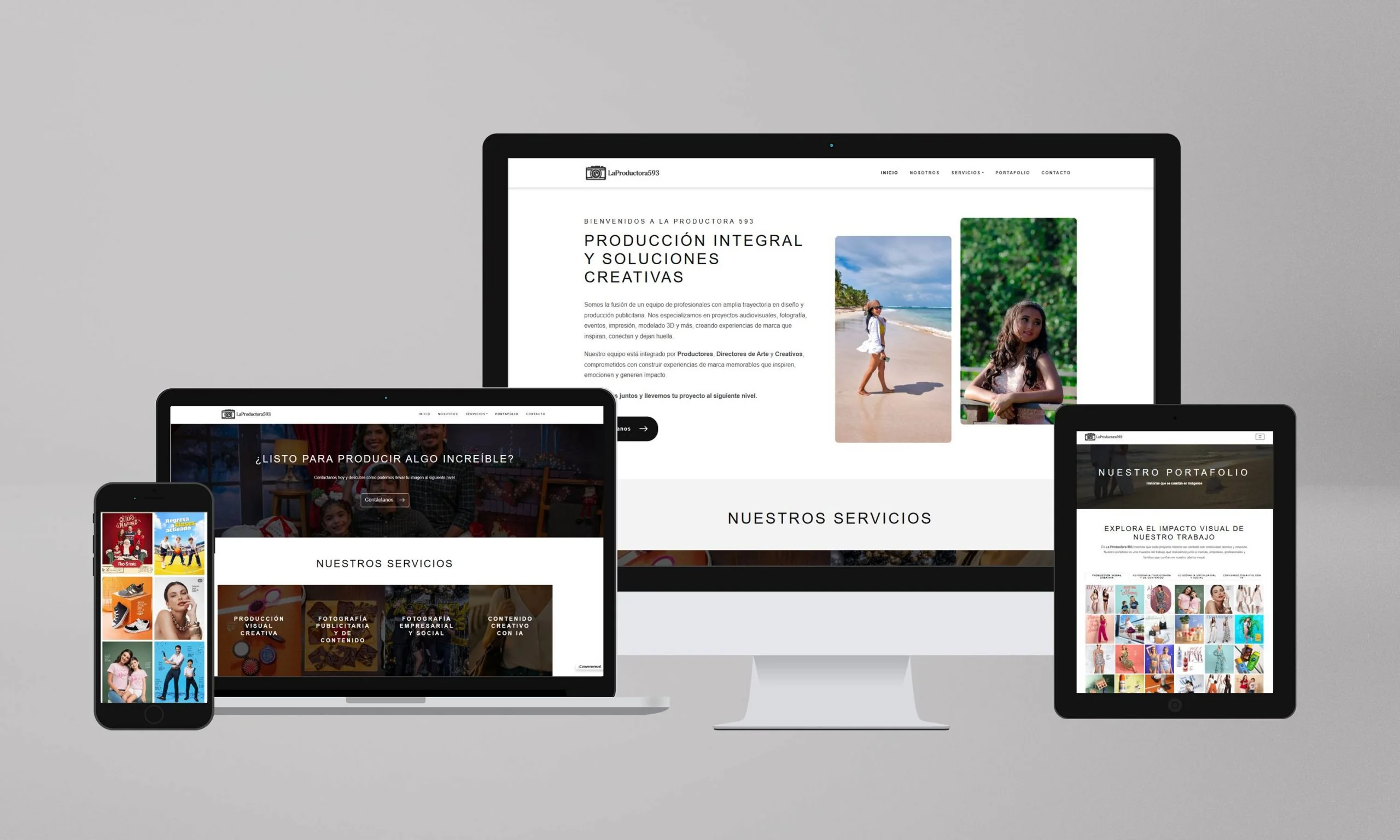
A custom portfolio website designed to make audiovisual, photography and event-production work immediately visible while keeping services and contact paths easy to reach.
01 / The brief
La Productora 593 is an Ecuadorian creative-production company working across audiovisual production, photography, events and related creative services. The project needed to present a broad body of visual work without hiding the service offer.
Prysma built a custom website focused on portfolio browsing, image presentation, category filtering, performance and search-ready page structure.
02 / The challenge
Creative businesses need imagery to dominate the experience, but loading too many large assets at once can damage performance and obscure the commercial story behind the work.
The site needed a visual rhythm that could scale across categories while still explaining what the company does and giving visitors a direct route to contact.
Give photography and audiovisual projects enough scale to communicate quality without overwhelming the page.
Use categories, filters and lightbox behaviour so a larger portfolio remains explorable.
Keep the frontend modular and image-conscious despite the amount of visual content.
03 / The experience

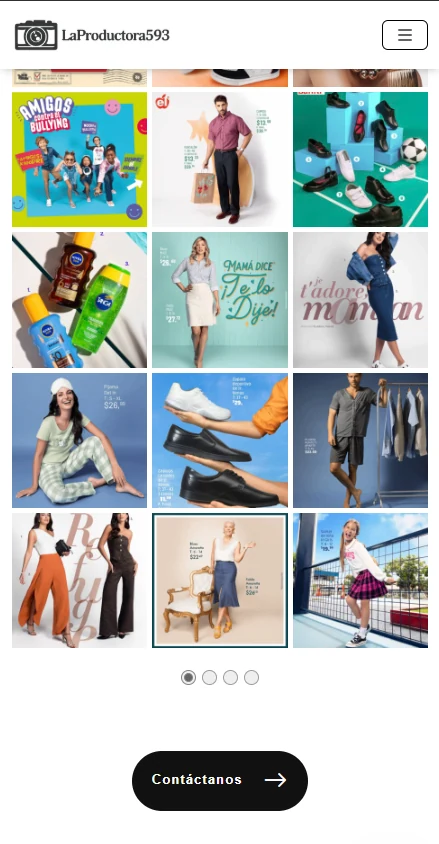
The experience is deliberately image-led, but portfolio interactions are organised so users can move between work categories rather than scrolling through an undifferentiated gallery.
Use strong visual entries to establish creative capability before asking users to read detailed service copy.
Let visitors move between relevant production categories and inspect individual work more closely.
Keep service context and contact actions close enough that inspiration can become an enquiry.
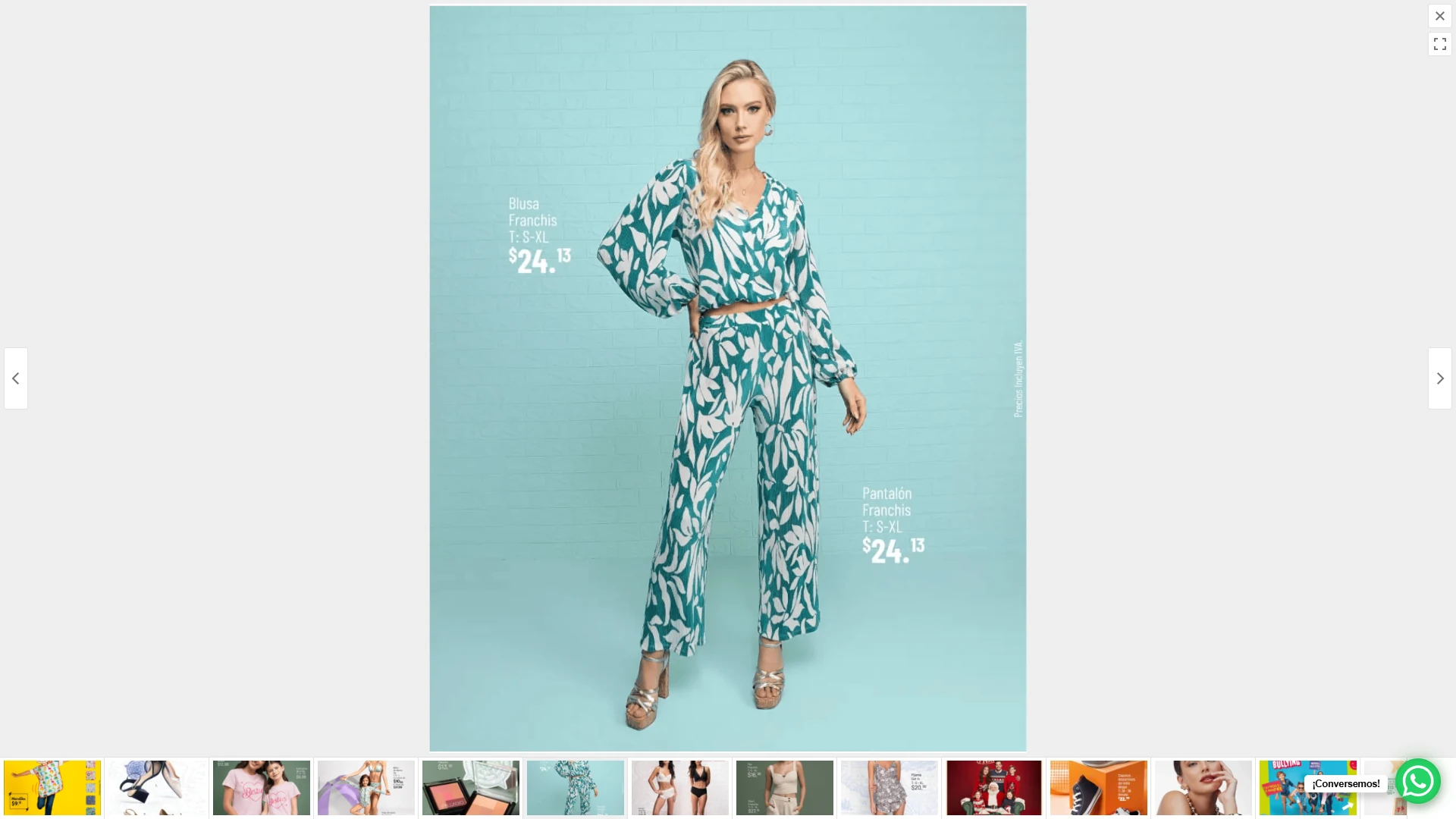
The recording switches portfolio categories, opens an image and moves through the gallery before returning to the grid. The visible photographs are portfolio content; the demonstration focuses on navigation.
04 / The implementation
The documented solution used a custom Bootstrap-based implementation with modular code, dynamic gallery behaviour, lightbox interaction and category filtering.
SEO work included semantic page structure, metadata and schema-related implementation, while image handling and frontend choices were designed around a portfolio that depends heavily on visual assets.
05 / Evidence
The original source preserves only one broad project image, so this version deliberately marks the two most valuable screenshots to capture from the current site rather than repeating the same asset.
06 / Results & delivery
The delivered site gave La Productora 593 a custom visual system for presenting varied production work, while retaining service context, contact pathways and technical foundations for search.
The original case listed speed and engagement percentage improvements without enough retained methodology to verify them. The new case therefore treats the delivered portfolio system as the evidence rather than repeating those figures.
Key takeaway
For creative portfolios, the question is not whether to use large visuals but how to give those visuals structure. Filtering, image behaviour and clear service context turn a gallery from passive presentation into a more useful business interface.
Share the current website, the constraint and what needs to change.